- Click the Organisation name that you are adding a Network for, and this will load the Organisation configuration panels.
- From the Networks & Hubs panel, click the New Network button, and complete the details as prompted then click Save. The Contact for the network will receive alerts from the platform for scheduled tasks and notifications from the system. You can use comma separated values to assign multiple contact email addresses.
- If successful, you will see the network is created yet offline (noted by
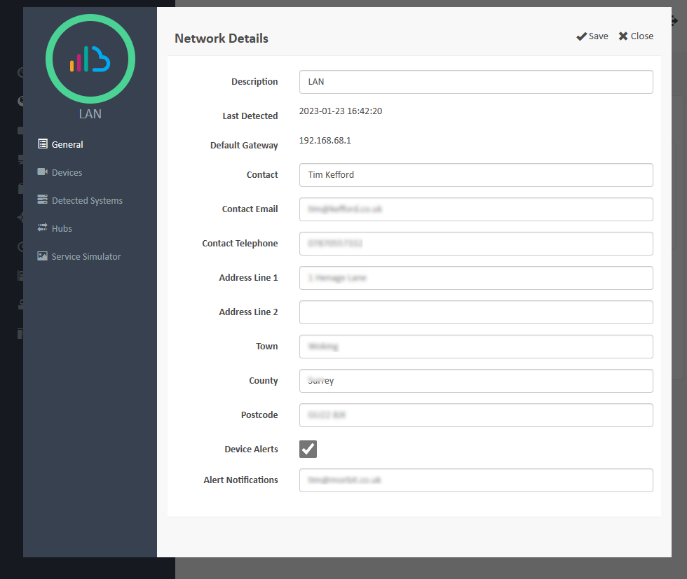
 symbol). Select the network by clicking it. You will load the Network Details screen (like this):
Suggested next article: Install the Morbit Hub
Was this article helpful?
That’s Great!
Thank you for your feedback
Sorry! We couldn't be helpful
Thank you for your feedback
Feedback sent
We appreciate your effort and will try to fix the article